The Benefits of Cloud-Based Practice Management Systems
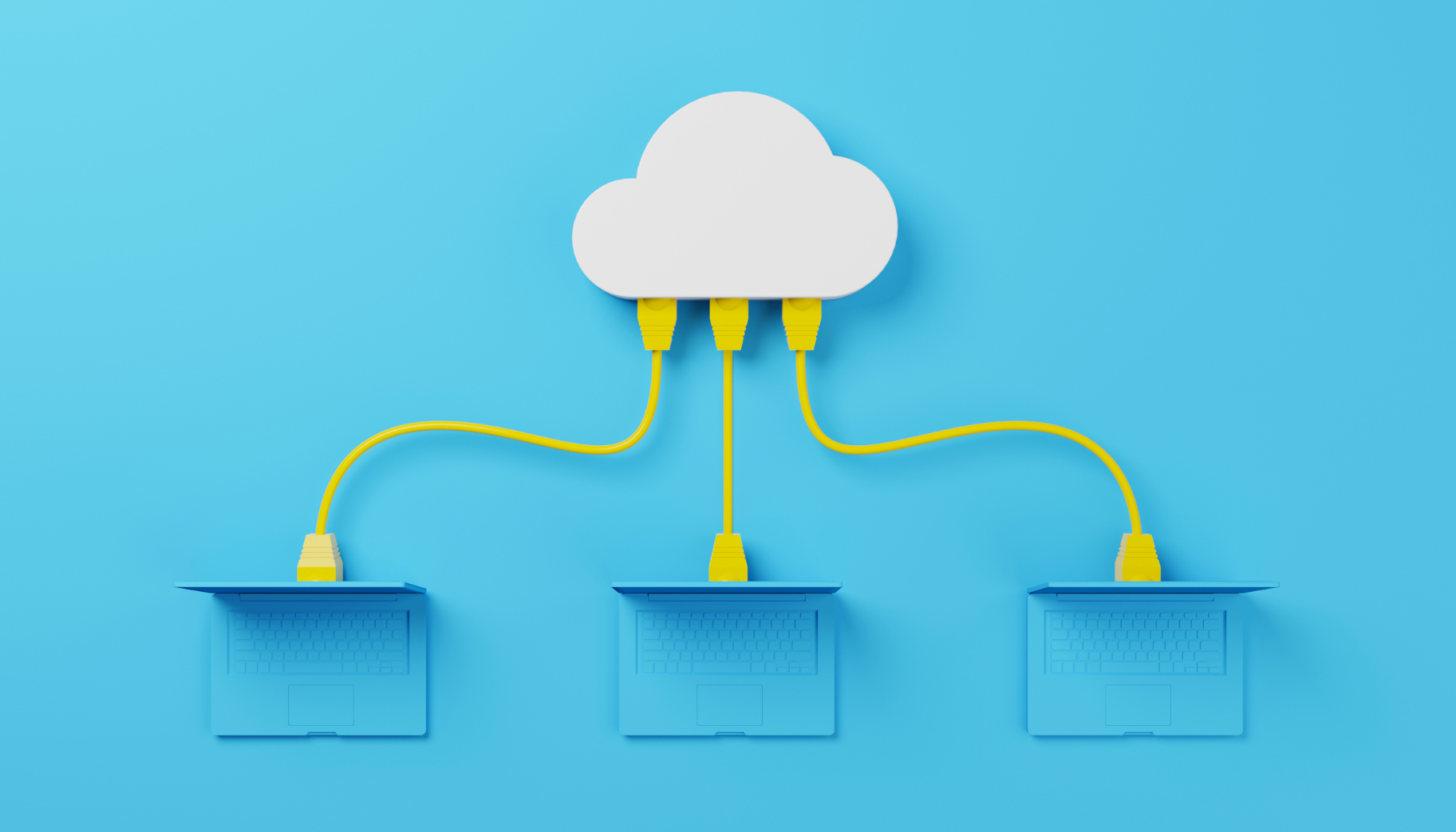
You’ve probably heard of the “cloud” every time your phone reminds you to back up your data, but how does it work?
The cloud is a global server network that stores and manages data or runs a series of services without local and physical computers. Its vast scope and capabilities allow users to access data or services anywhere and anytime.
With its improved accessibility, cloud technology allows many healthcare professionals to expand their practice. After all, healthcare doesn’t stop within the clinic walls.
Care practitioners gain the competitive edge with a practice management solution that allows them the flexibility to serve patients anywhere without worrying about security breaches.
A cloud-based practice management system gives you this advantage.
Why Your Practice Needs a Cloud-Based Practice Management Software

1. Avoid Data Breaches
If the cloud can be accessed anywhere, is it more susceptible to data breaches?
The answer is no. While access is quick and easy, security measures are in place to safeguard pertinent information. Cloud-based systems designed for the healthcare sector follow HIPAA and SOC regulations to pass industry standards.
That’s why cloud storage is fortified with multi-layered encryption, establishing an impregnable fortress around sensitive patient information.
With robust security protocols in place, healthcare practices mitigate the threat of data breaches, ensuring the confidentiality and integrity of patient records.
2. Minimize Overhead Costs
Let’s compare options for medical management systems. What’s the difference between using traditional onsite servers vs. cloud servers?
| Aspect | Traditional On-Site Servers | Cloud Servers |
|---|---|---|
| Location | Physically within the organization's premises | Hosted off-site by a third-party provider |
| Ownership | The organization owns and manages directly | Managed by the cloud service provider |
| Cost Structure | Upfront hardware costs; ongoing maintenance | Subscription-based or pay-per-use model |
| Accessibility | Limited to physical location | Accessible from anywhere with internet |
| Scalability | Limited by physical hardware capacity | Easily scalable without hardware limitation |
| Maintenance & Updates | Handled by organization's IT team | Managed by the service provider |
| Security | Relies on organization's IT policies | Provider invests in robust security measures |
| Control & Customization | Complete control over configurations | Limited control within provider's services |
Cloud-based systems are more cost-efficient primarily because of their flexible and scalable payment models. You don’t have to spend big on upfront hardware investments.
With cloud services, organizations pay for what they use. The pay-as-you-go or subscription-based models allow businesses to scale resources as needed, eliminating unnecessary expenses on underutilized infrastructure.
Cloud services typically shift maintenance and update responsibilities to the provider, reducing the need for dedicated in-house IT personnel and associated costs. This makes it an ideal solution for independent providers or local healthcare centers.
3. Low Maintenance Systems

Consider a scenario where a healthcare facility operates on traditional on-site servers. Whenever a software update or security patch is released, the IT team schedules downtime and disrupts services.
This process involves meticulous planning, installation, and troubleshooting, which can be time-consuming and demanding.
Contrast this with a cloud-based system. Updates and installations happen seamlessly and automatically as part of the subscription.
When the cloud provider rolls out a new feature or security enhancement, it's implemented across the system without manual intervention. You can continue running your clinic without any disruptions from maintenance work.
With a cloud-based practice management solution, you don't need to worry about extensive on-site IT maintenance. The pay-as-you-go model keeps your clinic's system up-to-date and avoids outdated systems like those in traditional data centers.
4. Scale Up Easily
Unlike traditional setups that demand substantial time and expenses for hardware expansions and system modifications, the cloud makes scalability easy.
Healthcare providers can adjust resources in response to growth, accommodating new doctors, patients, and specialties without disruptions. This flexibility ensures optimal performance during fluctuations in patient volume while streamlining the onboarding of new elements into the system.
Is Switching to a Cloud-Based System Easy?

If you're thinking about moving your systems to the cloud, there are a few things to consider.
- Take a good look at what you need and what you want to achieve by switching. Find a reliable cloud service that matches your needs.
- When it comes to moving your data, make a list of what's essential to move and get rid of stuff you don't need. Plan how you'll move things to the cloud—whether it's all at once or step by step.
- Train your team on how to use the new system and try it out on a small scale before going all-in.
- Make sure the cloud provider takes security seriously and meets industry rules.
- After you've switched, keep an eye on how things are going and fix any issues. Make changes if needed to make sure the new system works well for you.
Making the switch may be daunting, but with Meditab’s Cloud Hosting Services, we’ll help you settle into your new cloud-based digital ecosystem just fine. Count on us to guide your team effortlessly through the transition and ensure you get the support you need during and after the migration.
Share this post: